
FNB R&C Conference 2025
One shared 3D plan of the FNB R&C conference. In pre-production, Pixel Nation previewed their content on the actual screens for the client and the director. In build-up, the lighting team and crew used the same link for rig updates, measurements and documents on site.
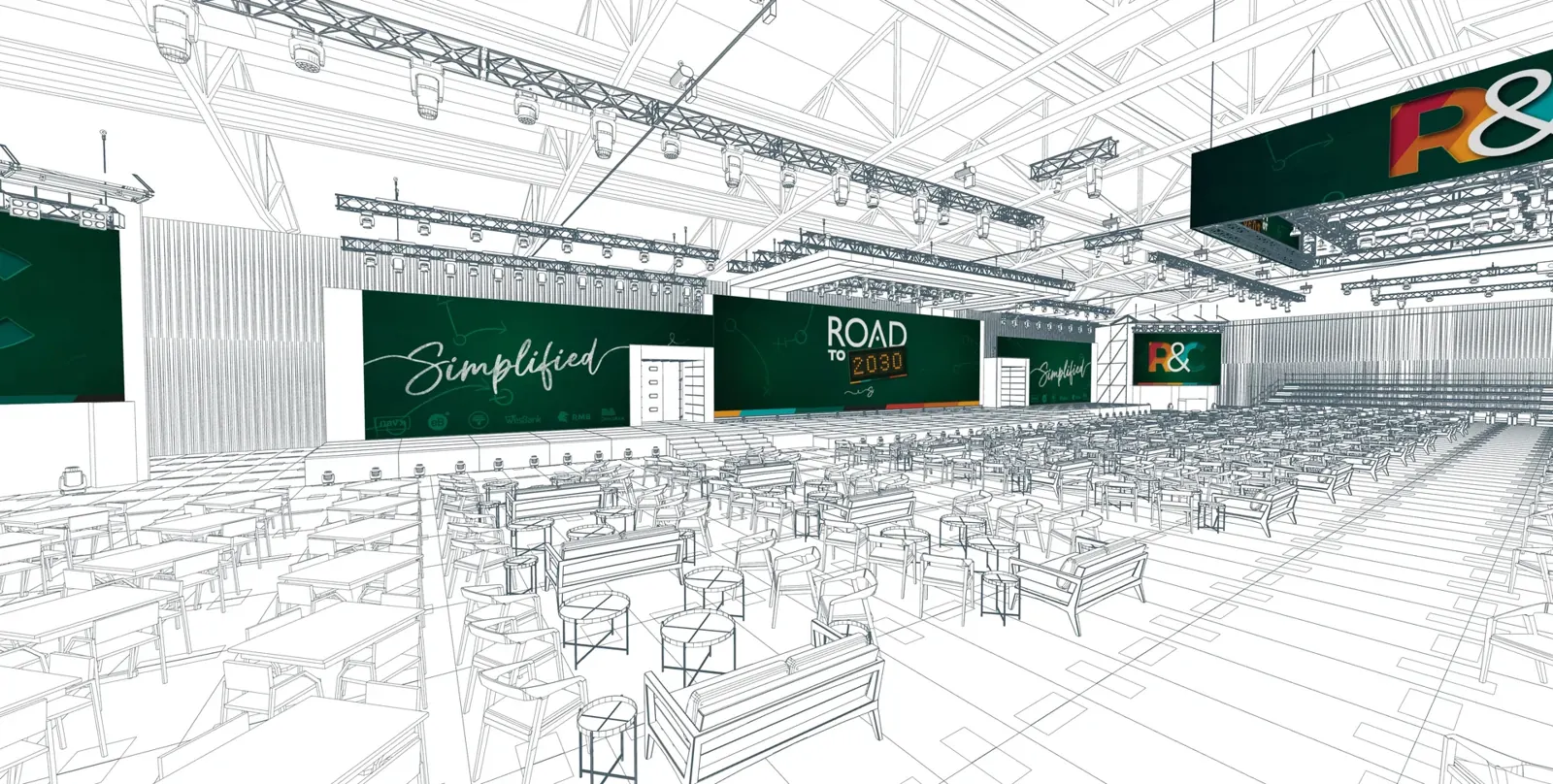

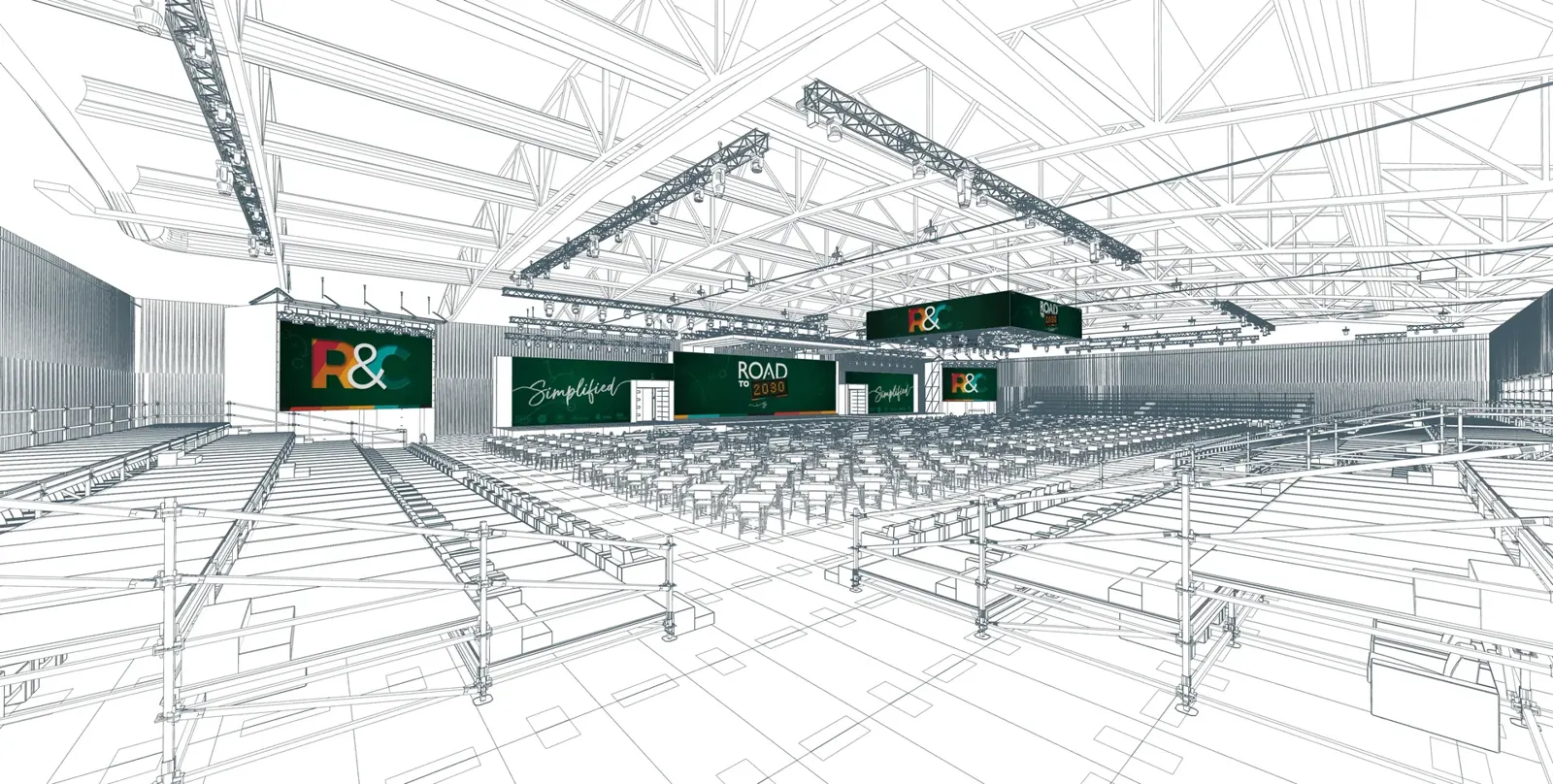
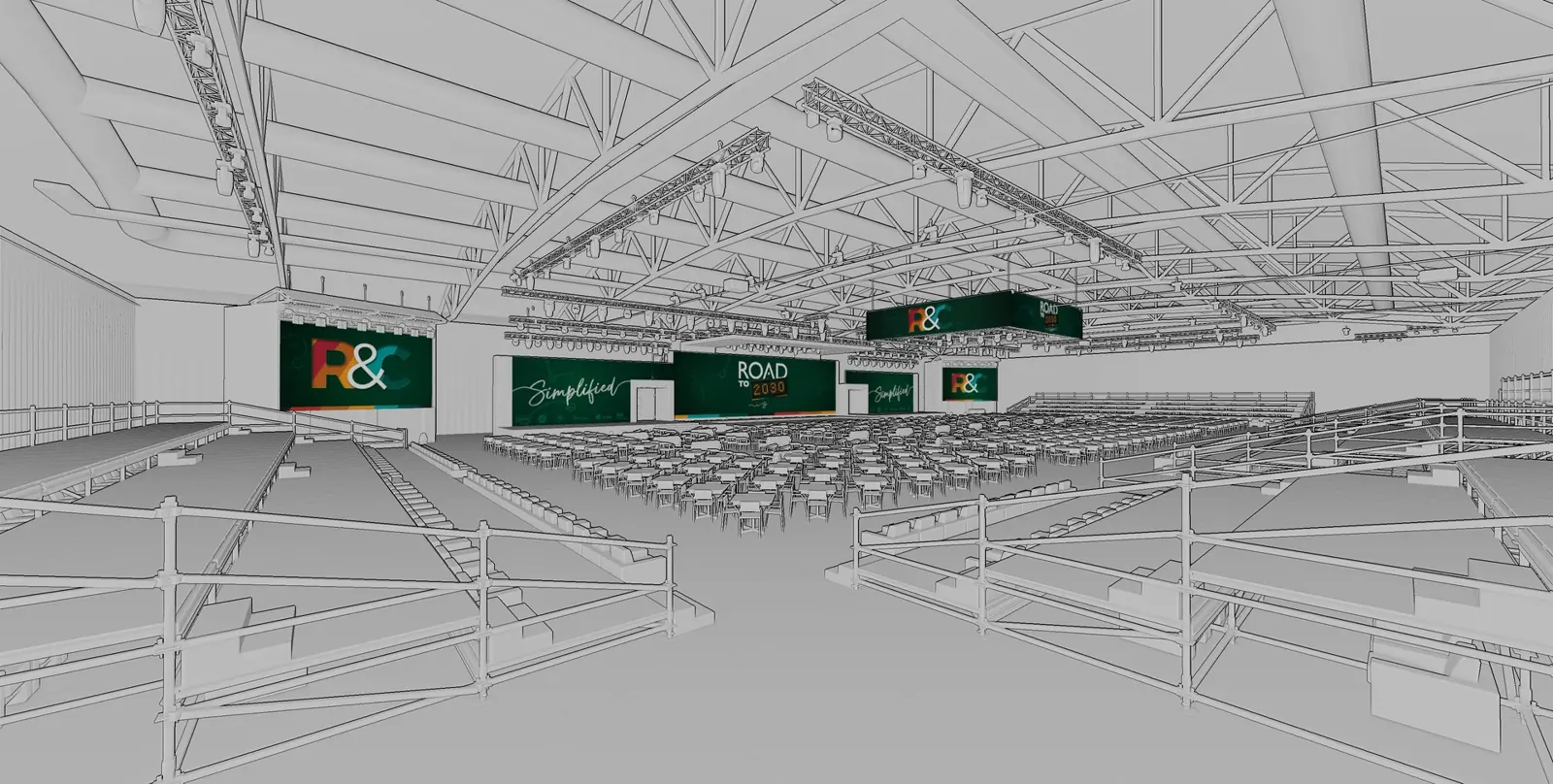
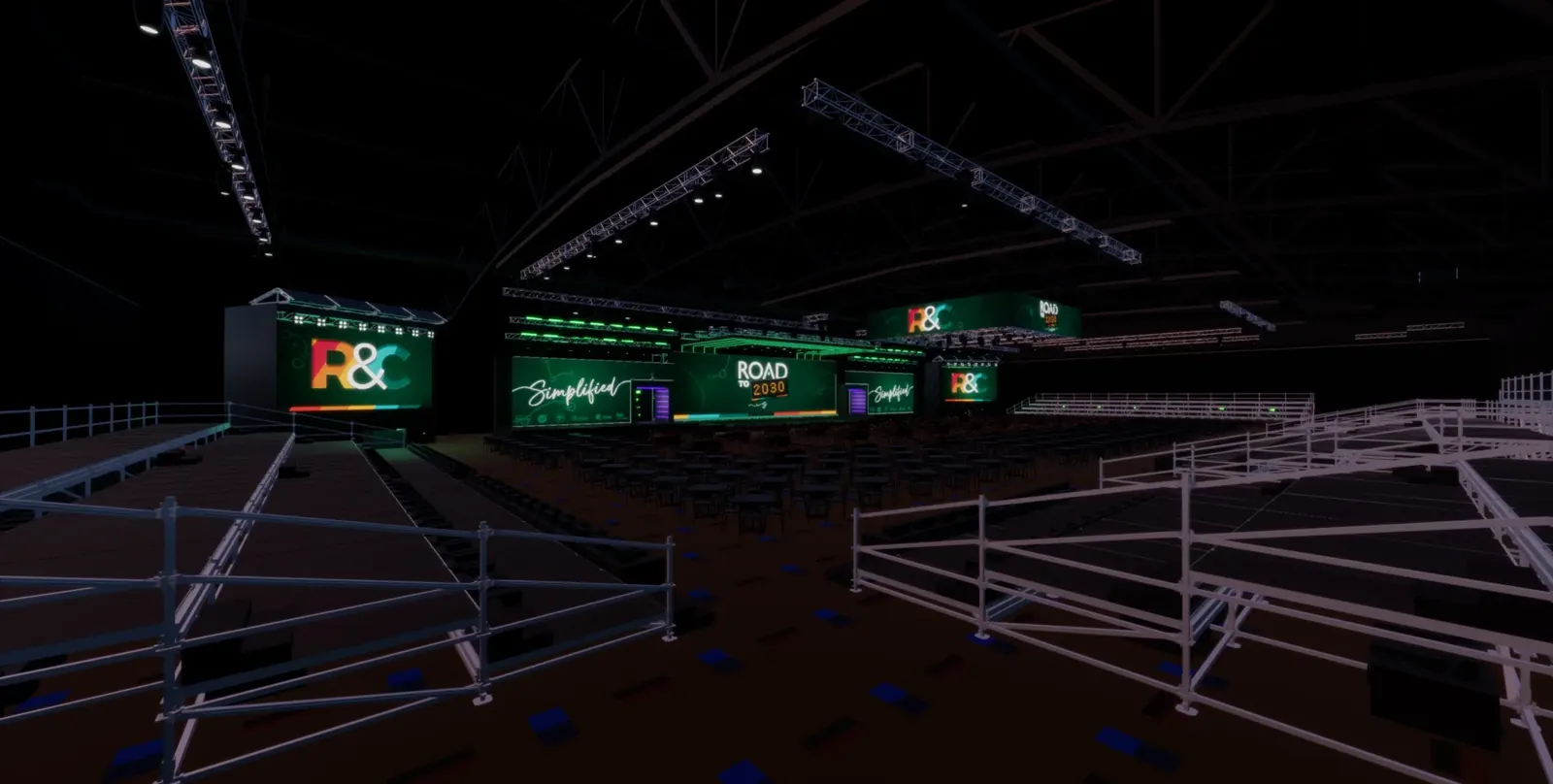
- 4 departments, one link
- Content
- Direction
- Lighting
- Crew
- 2 production phases
- Pre-production
- Build-up
- 2 years running
- 2025
- 2026
The project
Johannesburg · Multi-day internal conference
The brief
In pre-production: show the client and the director how the content would look in the room, not just as flat videos. Then give the technical team one place to go for the current plan.
Before
Pre-production: content was reviewed as flat 2D videos with no sense of how it would map onto the screens in the venue. The plan lived in Vectorworks with the technical company and could not be viewed without a Vectorworks licence. Build-up: questions about trim heights or fixture positions meant chasing down the A0 printed plot or the draughtsman on site.
What we delivered
A browser-based 3D plan built from the Vectorworks drawings. In pre-production, Pixel Nation loaded their content into the media system once and anyone on the production could open the viewer and see it on the screens, from any seat in the house. In build-up, the lighting team kept the rig current by dropping in MVR files, pulled trim heights with the measuring tools and attached plots, network diagrams and photos to the elements they belonged to.
Outcome
One link carried the production from content review through to the show floor. Content, rig and documents stayed current in one place, and every department could check the room on their phone instead of waiting on someone with a Vectorworks licence or the printed plot. The same setup ran again for the 2026 edition of the conference.
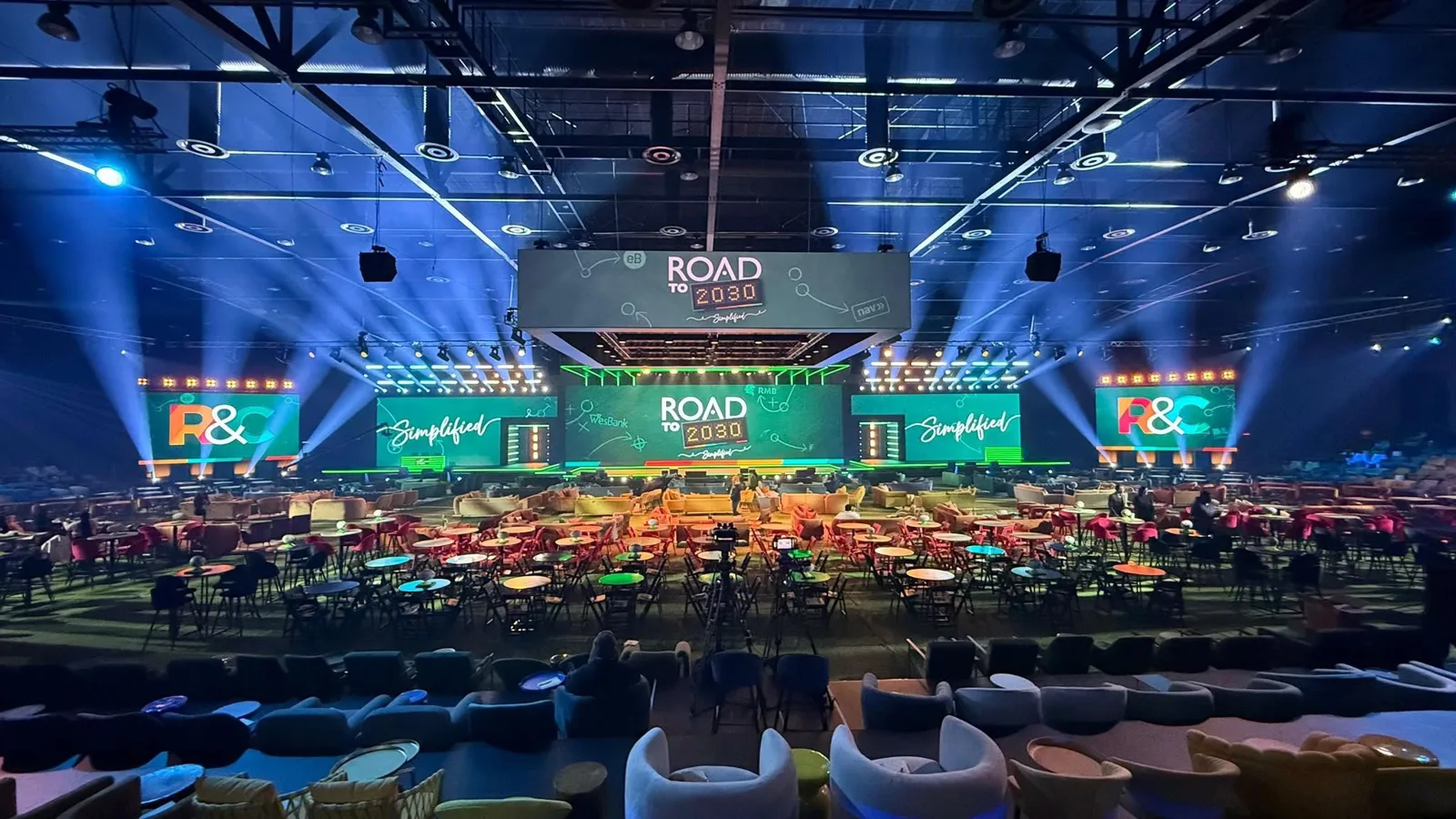
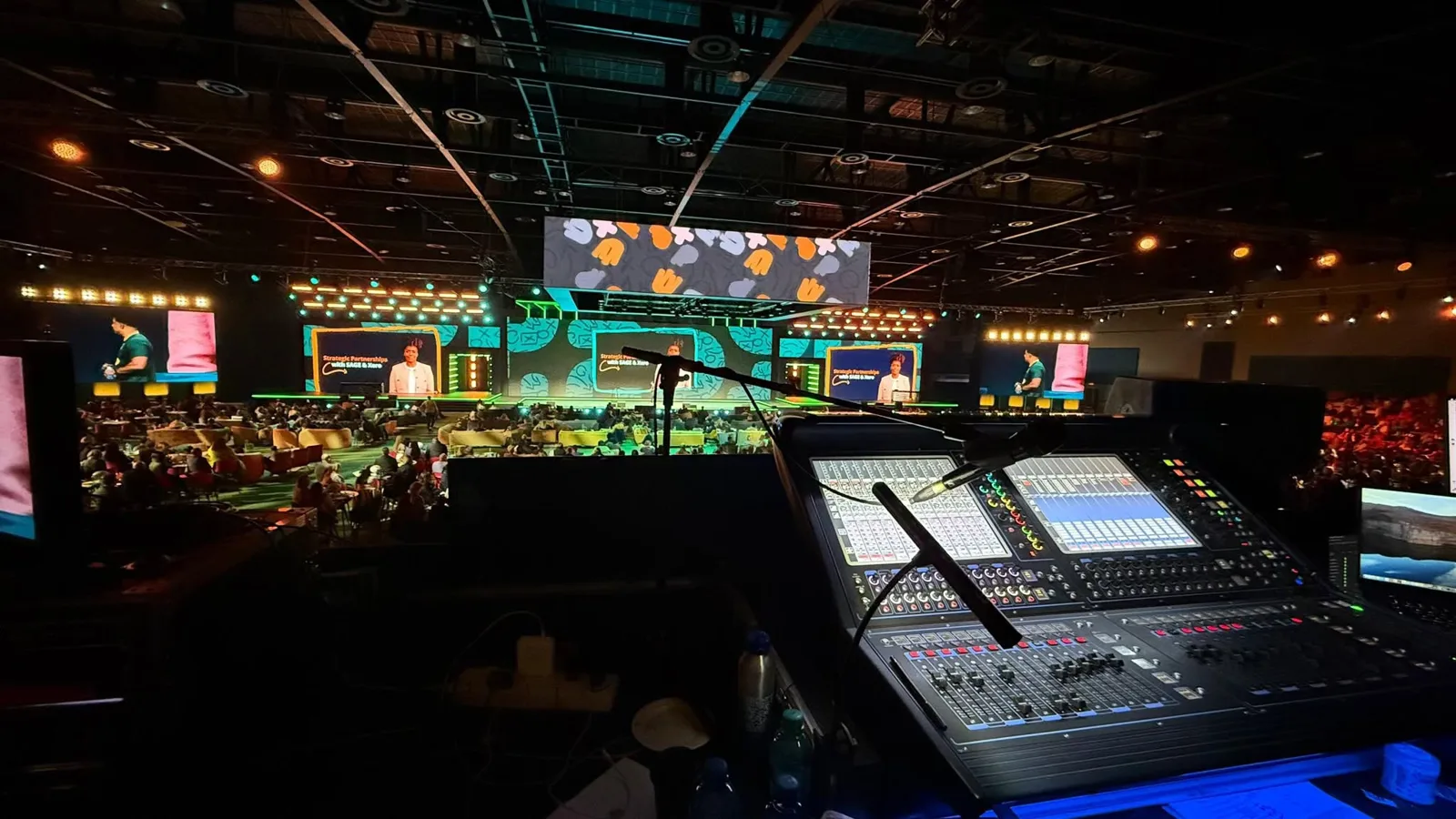
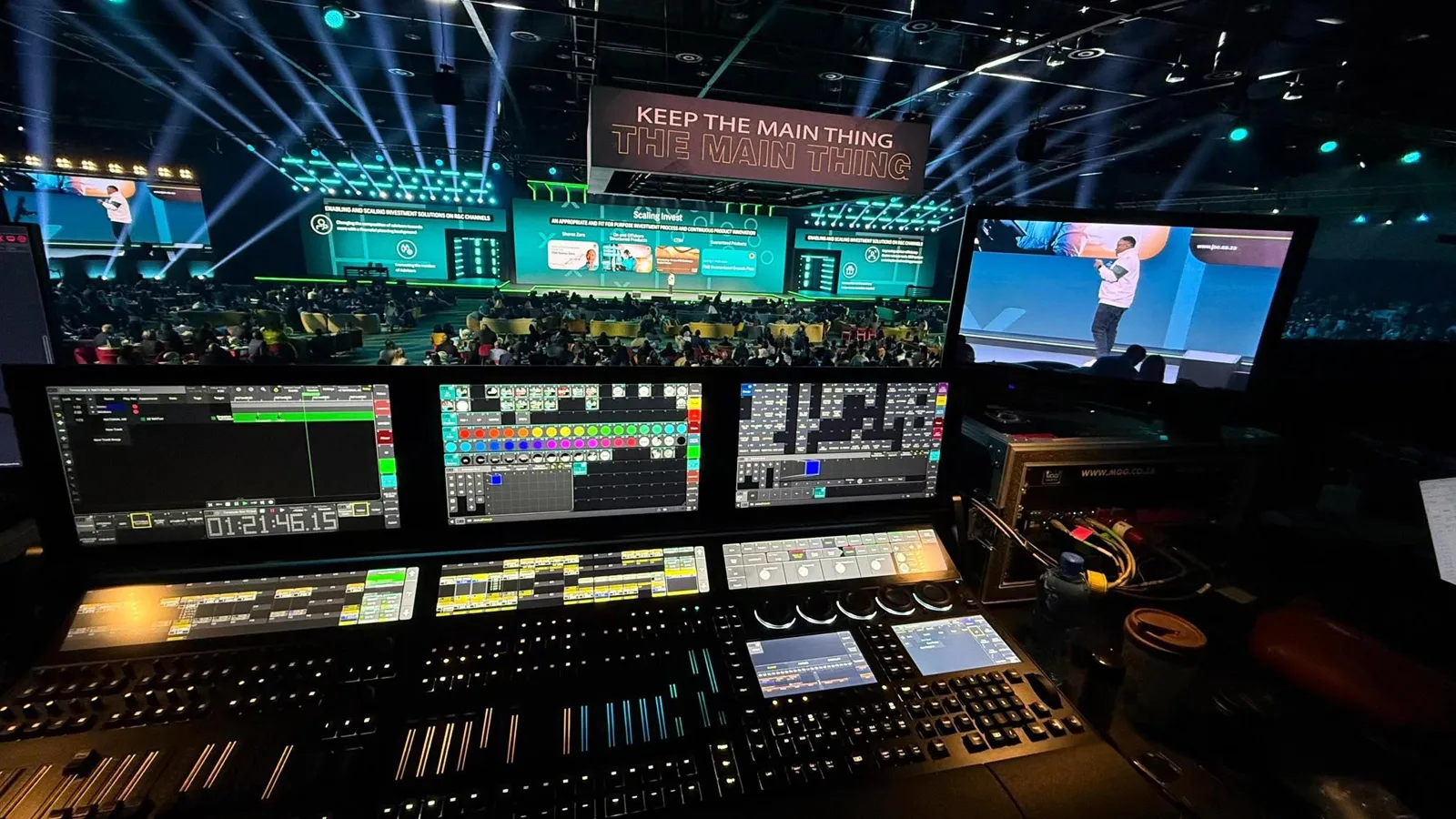
Content on the screens, in the room
Pixel Nation used the plan to show clients, the director and the technical team how their content would map onto the screens, in the venue, rather than as flat 2D videos. Content was updated in one place through the media system, and anyone with access to the viewer saw the current version.
- The lighting designer could check the colour theme of a section before building a look, without hunting for the content on a Google Drive or asking the video team where to find it.
- The director placed on-stage elements such as panel-discussion furniture against the actual content.
- Sightlines and camera angles checked by moving the 3D camera to any seat or camera position in the venue.
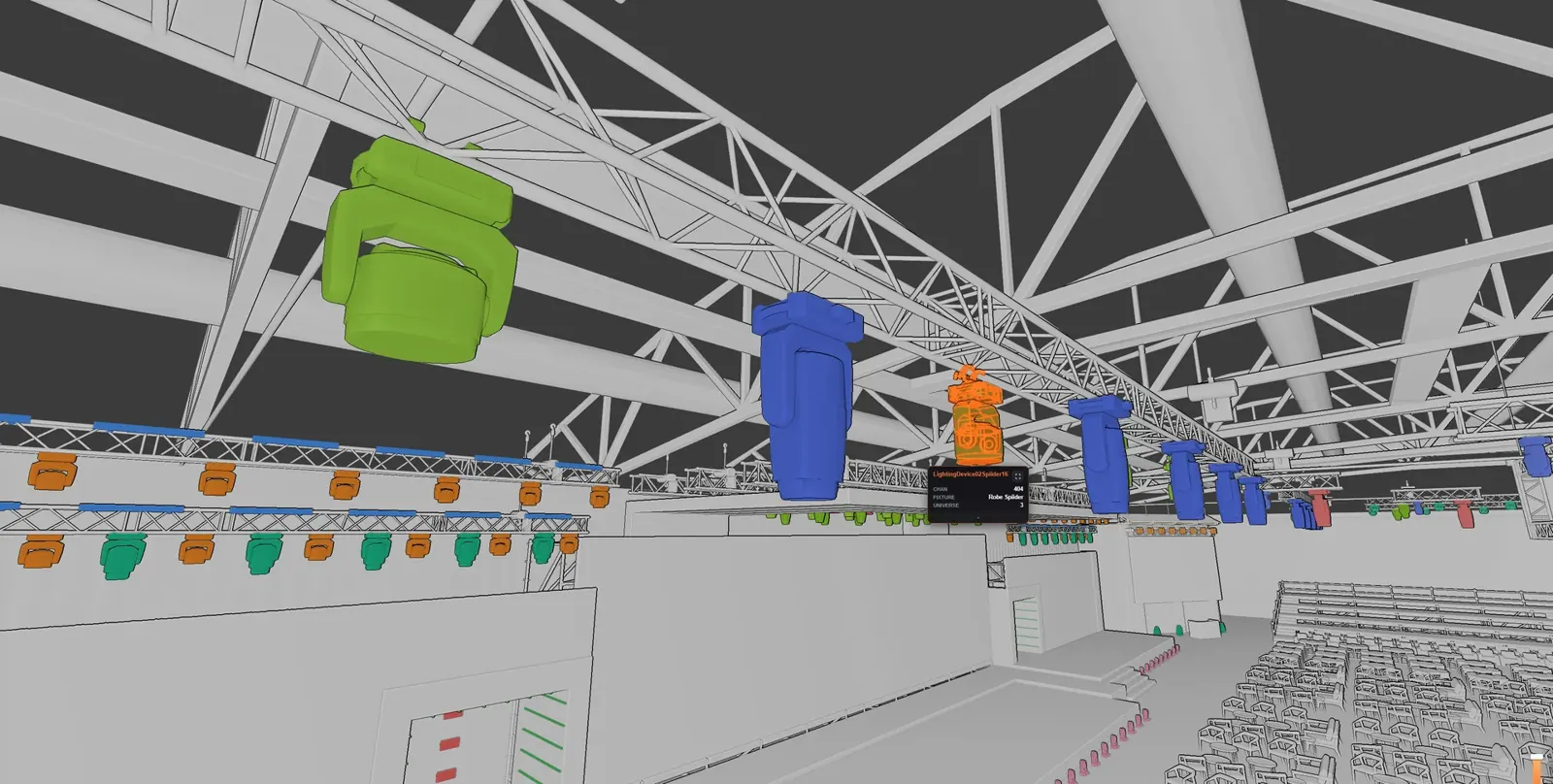
The rig stays current, and the answers are in your pocket
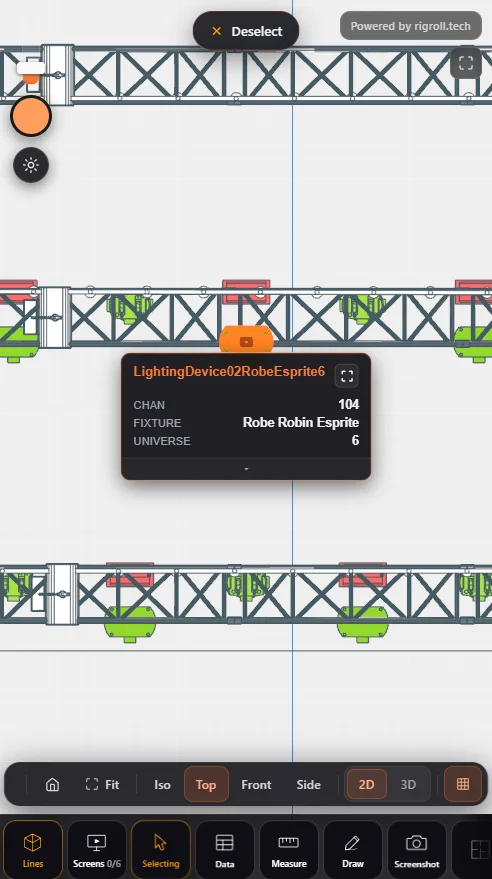
The lighting designer or on-site crew chief dropped in an MVR file whenever the rig changed. Every fixture carries its data from the drawing: fixture number, DMX channel, universe. On site during build-up, the measuring tools pulled trim heights and the details a plot sometimes leaves out, on a phone, instead of chasing down the A0 printed plot.
- MVR workflow: rig updates from the designer or crew chief land in the shared plan.
- Measuring tools for trim heights and distances the plot did not show.
- Mobile-friendly, so the crew got answers on site without leaving the floor.
Show the thing you are talking about
In production meetings, online or in person, the viewer was simply shared on screen. Instead of describing a position or a look, someone moved the camera there and everyone in the room saw the same thing. Questions got settled in the meeting instead of in the follow-up emails.
Traditional media, linked to the 3D world
PDF plots, network setups, images, photos, table positions and guest lists were attached to the elements they belonged to. Click the object, get the document.
A look and an angle, shared in seconds
RigRoll is a communication tool first, not a visualiser, but it still produces rendered screenshots. Set up a look with a basic lighting state, pick an angle and share it with the production team instantly. No render queue.
In a pocket, on the day
The same plan on a phone during build-up. Trim heights, fixture data and attached plots without leaving the floor, and no Vectorworks licence needed.